Runs the whole night offline.
Covered courts, basement gyms, a village court with one bar of signal: your night lives on your device. Install FourUp once with signal and it opens anywhere.

The engine, the results, the recap — all local.
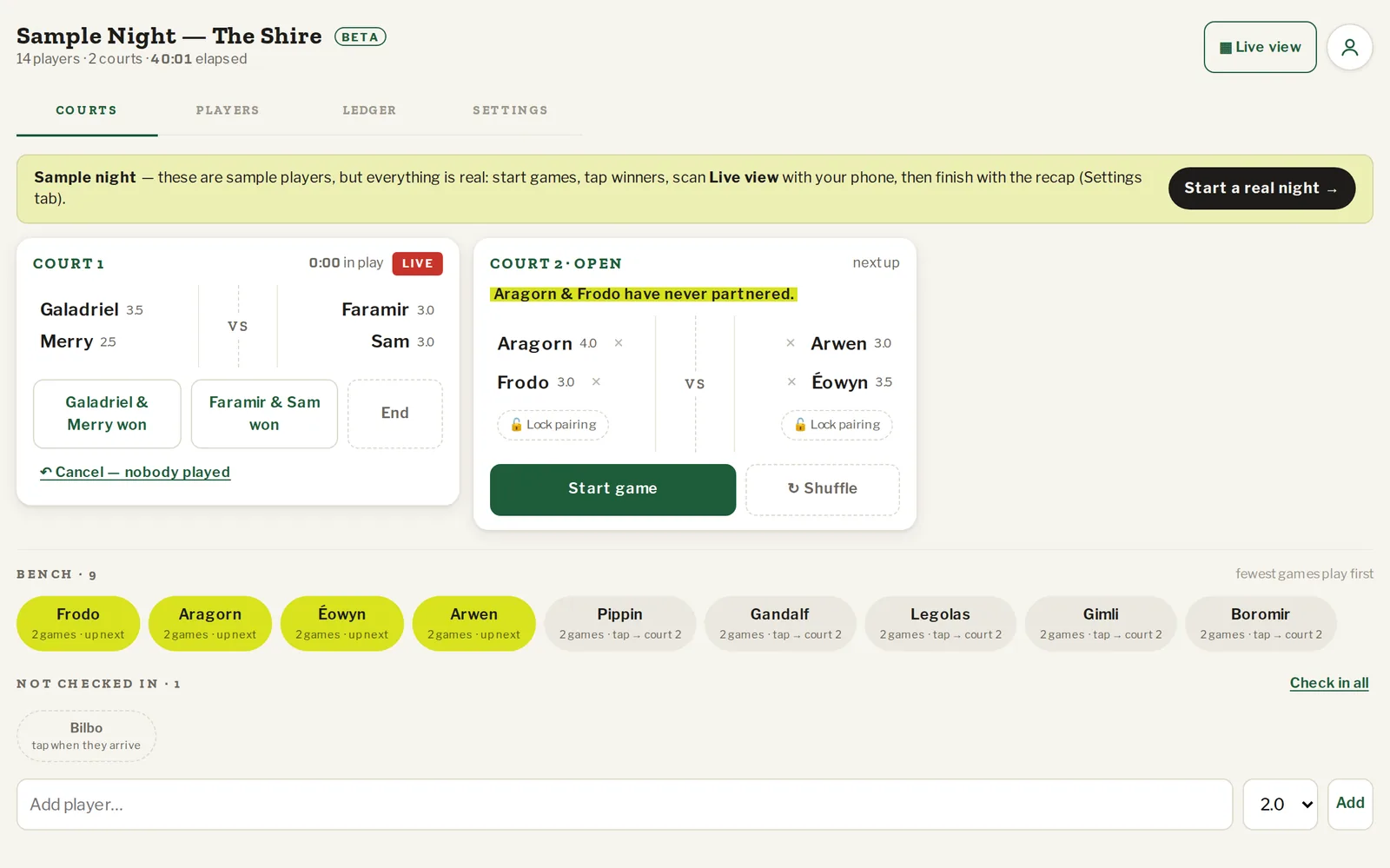
FourUp is local-first. The mixing engine, the game log, ratings and the recap all run in your browser, so the night never waits on a connection. Nothing is lost if the signal drops mid-session — it keeps going and uploads later.
- Start and run a night with zero connectivity.
- Sync happens on its own when you're back — history saved, levels updated.
- Players' phones need signal to follow along; with none, they look at your screen.
Install from your browser menu (“Install app” / “Add to Home Screen”) — once, with signal.
Two taps on any phone.
Android and desktop Chrome offer Install directly. On iPhone, tap Share → Add to Home Screen. After that FourUp opens like any app, full screen, no address bar.
Questions organizers ask
What exactly works offline?
Everything the organizer does: paste names, start, deal courts, record results and scores, tournaments, the recap and the summary. The service worker keeps the app shell on your device.
What happens to the night when I'm back online?
It uploads on its own: the session lands in your history, claimed players' levels update, and any phones that were following catch up.
Do players' phones work offline?
They need signal to follow along live. With none, they look at your screen — exactly what happens today with a whiteboard. Results still count for them once you sync.
How do I install it?
Open fourup.app on your phone, then use the browser's Install / Add to Home Screen. On iPhone that's the Share button → Add to Home Screen. The button below does it in one tap where the browser allows.
How do updates reach an installed app?
Quietly, in the background. When a new version is ready you get a small 'new version' pill — it never reloads in the middle of your night.
Bring it to your next night.
No plans, no card, no sign-up to run a night. Paste the names and start.